
Where to Find Your Data. Under Windows XP the ‘My Documents’ and ‘My Computer’ in all likelihood contain the vast majority of the files you will want.
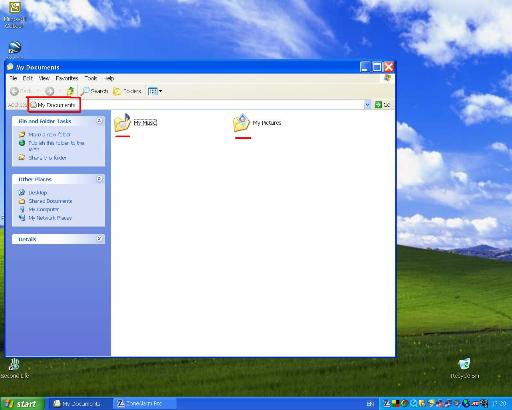
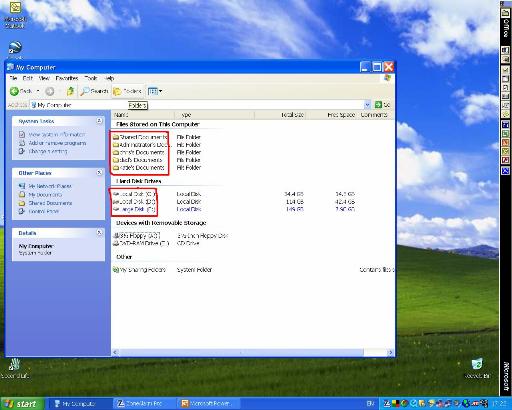
The ‘My Documents’ folder contains those documents in YOUR user account. If you have multiple users setup each users will have their own. In this picture you see your documents and couple of folders containing files highlighted in red. By looking at the ‘My Computer’ screen you will see additional folder for other users account, these are again highlighted. Also you will see on this machine there is more one disk drive (or least partition) on the same physical drive with drive letter assigned, each of these ‘drives’ should be explored to find relevant data that you want to keep.
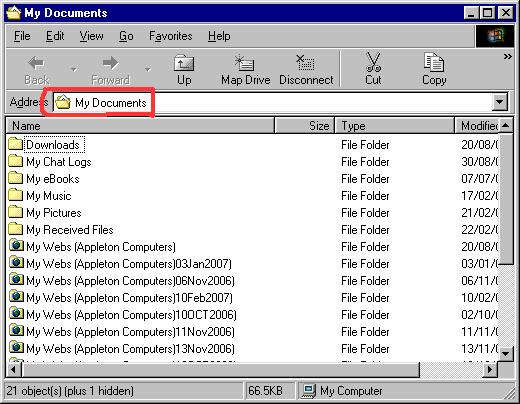
Also enclosed is screen shot from a Windows 98 system, the look and feel whilst different is not totally unfamiliar.
Back to previous page Transfer |
PC and Computer Repairs Installations Upgrades |
Copyright AppletonComputers.co.uk © 2012
PC and Computer Repairs Installations Upgrades Windows XP and 2000 Support Windows 98 and ME Support Appleton Computers - Self Help Guides